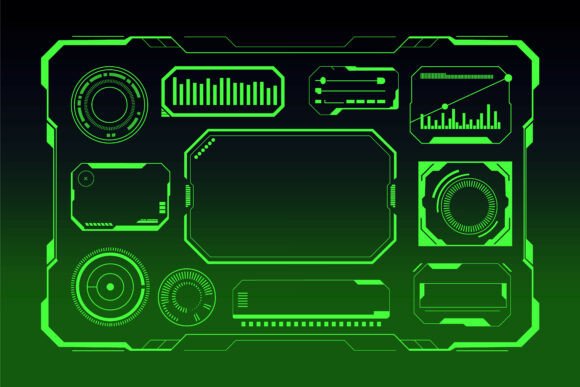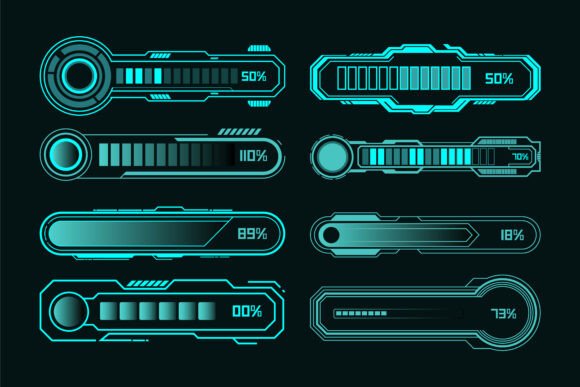
Futuristic Neon HUD Loading Bar UI Set
Bringing Sci-Fi Style to Modern Interface Design
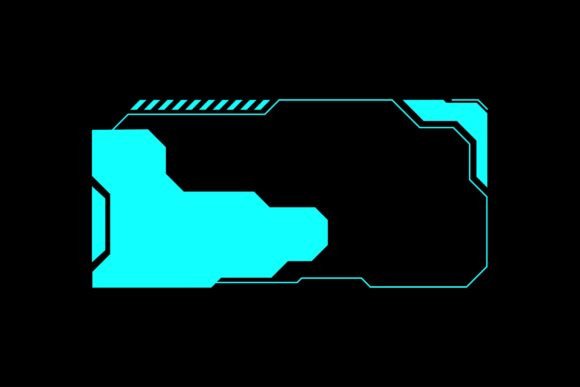
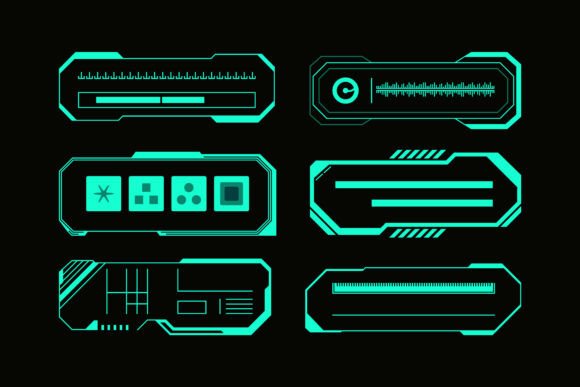
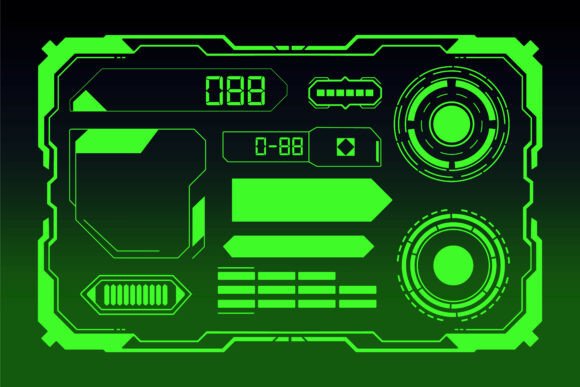
The Futuristic Neon HUD Loading Bar UI Set offers a compelling blend of form and function, merging high-tech aesthetics with practical usability. Designed for creators and developers seeking a visually engaging interface element, this set features glowing blue progress indicators, digital percentage meters, and sleek sci-fi dashboard bars. Whether you're building a game interface, a tech-themed app, or a dynamic website, these UI components provide a ready-to-use foundation that's as adaptable as it is eye-catching.
Why This UI Set Stands Out
What makes the Futuristic Neon HUD Loading Bar UI Set particularly valuable is its balance of style and flexibility. Each element is built with fully editable vector design, allowing for seamless customization across projects. The set supports 100 color variations, making it easy to match your brand palette or shift visual tones depending on the context. Whether you're designing for a dark mode interface or a vibrant promotional landing page, these loading bars can be resized and modified without losing quality.
The inclusion of source files in EPS format ensures that you're not locked into a static design. You can dive into the vector layers, tweak shapes, adjust gradients, or even animate elements for interactive experiences. This level of adaptability is rare in pre-built UI kits, especially those with such a distinct visual identity.
Design Features That Empower Creativity
- Fully editable vector design: Modify shapes, lines, and effects without quality loss.
- 100 color customizable: Match your project's visual language with ease.
- Easy to resize and modify: Perfect for different screen sizes and interface layouts.
- Source files included (EPS): Access and adjust every detail of the design.
Creative Applications Across Industries
Designers and developers can apply the Futuristic Neon HUD Loading Bar UI Set in a variety of contexts. Its high-tech, glowing aesthetic lends itself naturally to sci-fi themes, but its utility extends far beyond that. Here are a few ways different professionals can use and adapt this UI set:
For Game Developers
In game design, loading bars are more than just functional—they contribute to the atmosphere. The glowing blue progress indicators in this set can be integrated into health bars, energy meters, or mission timers. Their neon glow works especially well in cyberpunk or dystopian environments where digital interfaces are part of the world-building.
Consider animating the bars using CSS or JavaScript to simulate real-time energy depletion or recharge, enhancing player immersion without complicating the interface.
For Web and App Designers
Modern web and mobile apps often require loading indicators that are both informative and visually appealing. These HUD elements can serve as upload progress bars, onboarding step indicators, or even stylized percentage meters for user profiles or analytics dashboards.
Because the design is vector-based, it scales beautifully across devices. You can use a simplified version for mobile screens and a more detailed variant for desktop dashboards, ensuring consistency without sacrificing clarity.
For Educators and Content Creators
If you're designing online courses or educational platforms, consider using these progress bars to visualize course completion or quiz scores. Their digital, high-tech look appeals to tech-savvy learners and adds a layer of interactivity to your interface.
Bloggers and YouTubers who create tutorials on UI/UX design or digital art can also use these elements as visual examples in their content, helping their audience understand how to integrate professional UI kits into real-world projects.
Customization Tips for Maximum Impact
While the set is already visually striking, thoughtful customization can elevate its effectiveness. Here are a few practical tips:
- Match your project’s tone: Use cooler tones like blue and teal for a futuristic, technical feel. Swap to red or orange for more urgent or dynamic contexts.
- Keep it readable: Even with glowing effects, ensure the percentage or progress label is easy to read. Avoid overloading the design with effects that distract from the core message.
- Use animation sparingly: A subtle glow or pulse can enhance the futuristic look, but too much movement can overwhelm users. Consider using CSS transitions for smooth loading effects.
- Optimize for performance: If embedding in a web project, export optimized SVG versions to keep file sizes low and load times fast.
How to Maintain Consistency Across Projects
One of the challenges when using a bold design like this is maintaining visual harmony with the rest of your interface. Start by identifying your project’s core color palette and use the 100 color customization feature to align the HUD elements with your brand or theme.
For larger UI systems, create a design system or style guide that outlines how these loading bars should be used across different pages or components. This helps ensure consistency, especially when working in teams or across multiple platforms.
Real-World Use Cases and Inspiration
Here are a few real-world scenarios where this UI set can make a strong impression:
- Streaming platform dashboard: Use glowing progress bars to show how much of a series a user has watched.
- Cybersecurity software: Display scan progress with a sleek, digital meter that reinforces the high-tech nature of the product.
- AI-powered tools: Represent processing time or confidence levels using percentage meters with a futuristic glow.
- Mobile game loading screens: Enhance the gaming experience with animated HUD bars that reflect the game’s visual style.
Final Thoughts
The Futuristic Neon HUD Loading Bar UI Set is more than just a collection of design elements—it's a versatile toolkit that empowers creators to build modern, engaging interfaces with minimal effort. Whether you're designing for games, apps, or digital content, its high-tech aesthetic and deep customization options make it a valuable asset in your creative workflow.
By thoughtfully integrating these elements into your projects and tailoring them to your audience’s expectations, you can elevate your interface design while maintaining clarity and usability. Explore the possibilities, experiment with variations, and make the design your own—because great tools are only as effective as the creativity behind them.